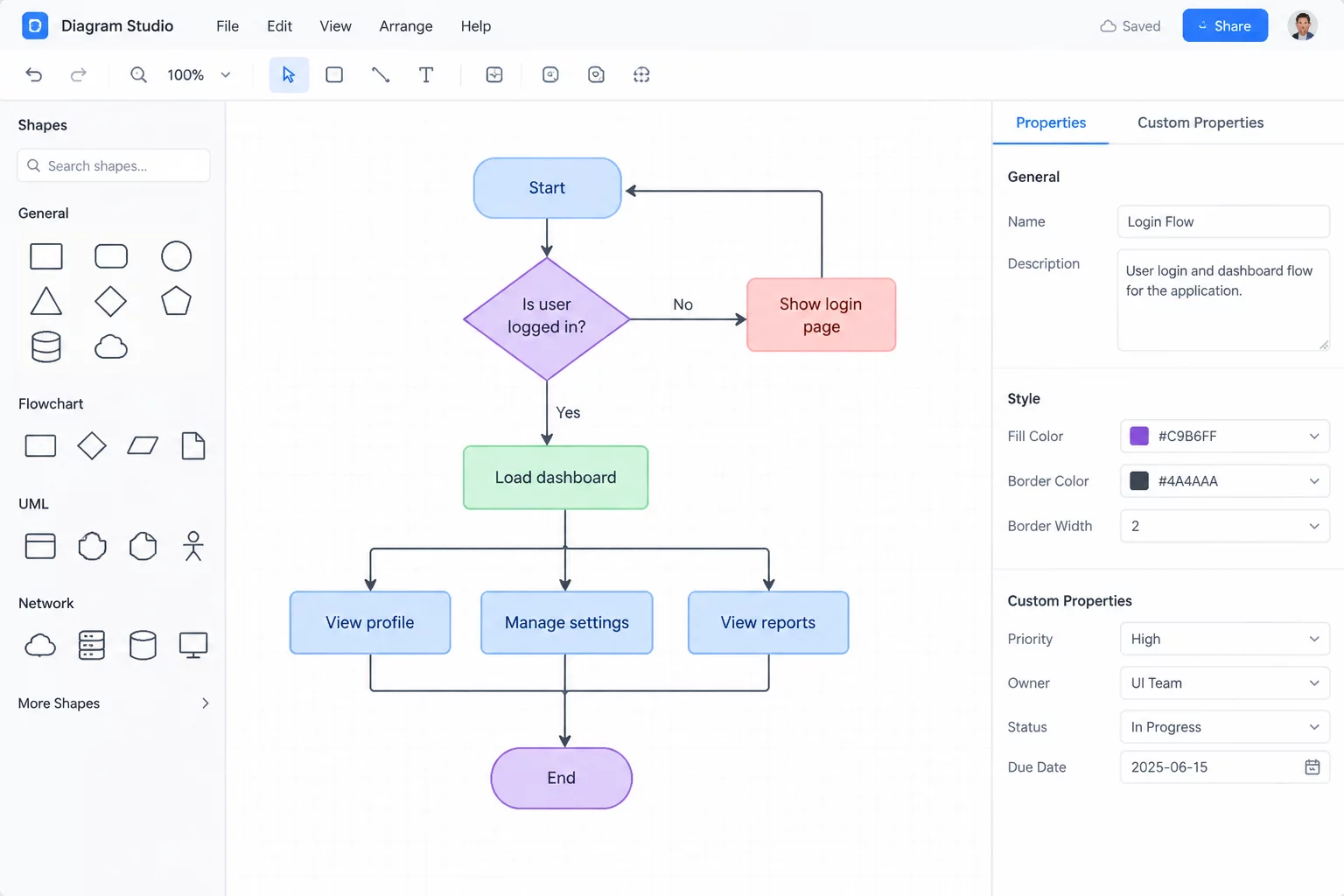
Transforming Ambiguous Process Flows into Deterministic Logic
Engineering teams often rely on draw.io for rapid decision documentation diagrams, yet decision points frequently suffer from loose informal sketching. A common pitfall occurs when teams render multi-condition checks as casual process rectangles or embed multiple verification queries into a single text comment. When execution teams attempt to translate these diagrams into code or standard operating procedures, unmapped edge cases lead to deadlocks and costly rework.
Mapping decision forks correctly requires treating each gateway as an isolated logical evaluation point. Within draw.io, every decision diamond must represent exactly one atomic inquiry whose outgoing connectors exhaustively cover all permissible outcomes. Rather than relying on floating labels that break when shapes shift, anchoring connector pathways to defined magnetic connection points ensures topological integrity throughout continuous diagram revisions.
Advanced Branching Templates
Explore our dedicated guide on building standardized decision palettes and custom shape libraries for enterprise teams.
Step-by-Step Configuration of Decision Diamonds and Custom Data
Constructing robust logic models in draw.io demands rigorous element formatting and custom property assignment to ensure every fork is machine-interpretable and auditable:
- Isolate evaluation criteria by converting bundled conditional statements into sequential decision diamonds, ensuring each node answers a single, non-overlapping predicate.
- Utilize the Edit Data panel (Ctrl+M / Cmd+M) to bind structured properties such as EvaluationRule, DecisionOwner, and EscalationSLA directly to each connector stroke.
- Standardize branch departure vectors by running positive confirmations horizontally toward the next operational stage while routing rejections and exceptions downward into dedicated mitigation lanes.
A diagram that hides a condition inside a general activity block is not an abstraction—it is an undocumented failure waiting to trigger in production.Quentin Tarantino, Operational Systems Architect
Technical Node Specifications and draw.io Properties
Standardized visual styles and metadata keys eliminate interpretation discrepancies between process architects and operational staff.
| Element Type | Draw.io Shape & Custom Attributes | Topology Rule |
|---|---|---|
| Primary Decision Fork | Standard Rhombus (rhombus;whiteSpace=wrap;html=1;), metadata key: rule_id | 1 Input, Exactly 2 Outputs |
| Multi-State Discriminator | Hexagonal Gateway (hexagon;strokeWidth=2;), metadata key: state_enum | 1 Input, 3 to 5 Mutually Exclusive Branches |
| Exception Egress Path | Dashed Orthogonal Connector (dashed=1;strokeColor=#e05252;), metadata key: exception_owner | Downward Routing, Never Converges Early |
| Deterministic Rejoin Gate | Small Circular Junction (ellipse;aspect=fixed;fillColor=#6c757d;), metadata key: sync_barrier | Re-synchronizes Parallel Evaluated Paths |
Frequently Asked Questions
Floating text boxes often lose positional attachment when shapes are moved, refactored, or exported to vector formats. Attaching branch descriptions directly to connector path labels in draw.io guarantees that branch semantics remain anchored to the connection line across all viewport zooms and automated layout operations.
Rather than fanning out several diagonal lines from a single diamond, utilize a structured cascading tree or decompose the multi-way check into sequential binary tests. Alternatively, route connectors orthogonally to an explicit state discriminator node equipped with clearly delimited output lanes.
Yes. By utilizing draw.io's XML schema or exporting diagrams as uncompressed XML, custom metadata attributes created in the Edit Data panel can be parsed and validated with automated CLI linting scripts, validating that no branch lacks an assigned owner or failure code.